Your channels, side by side
Command, squads, logistics, race control or production stay available without reconnecting.
Several voice networks at once, managed from the web
Whispy complements Discord, TeamSpeak or Mumble when an event needs more structure. Several live channels at once, with access managed from the web.
The Whispy desktop client is free, with no time limit, for members of an organization with an active Whispy subscription.
Multi-channel without replacing everything
Stay connected to several voice networks at once. Switch in one action and keep every conversation in the right place.
Command, squads, logistics, race control or production stay available without reconnecting.
Set receive and transmit rights for each role, on each network.
Export a working setup and import it for the next event.
 Reusable setup
Exportable · Importable · Shareable
Whispy in action
Two examples show the Dashboard and voice client using real Whispy interfaces.
Each community keeps its roles and joins only the shared networks it needs.
Guests sign in with Discord and join on the web or in the Whispy client. The host organization controls their access.
Command, escort, logistics and recovery remain separate and reachable at the same time.
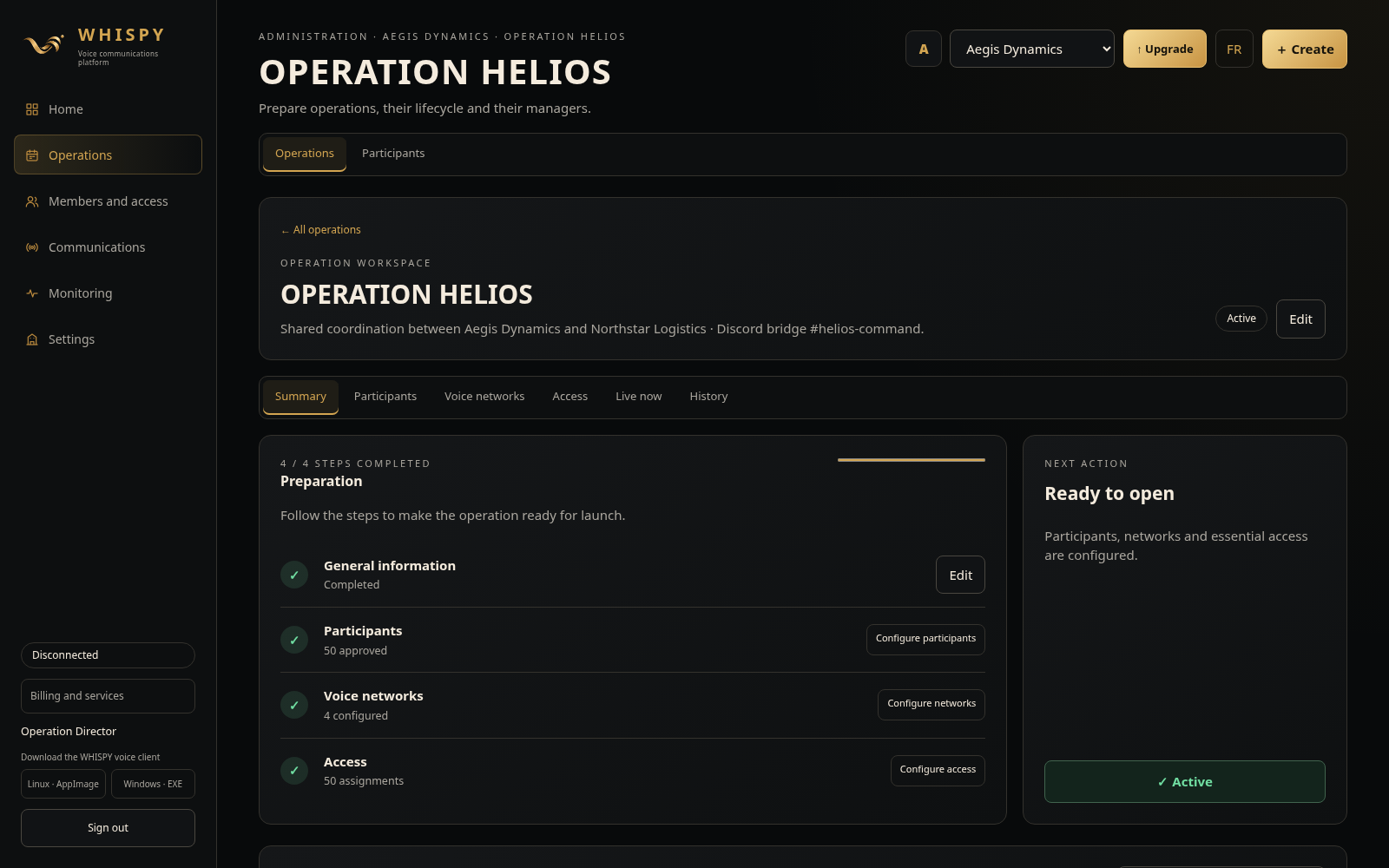
Confirm participants, networks and access before going live.
Actual Whispy interface · demonstration data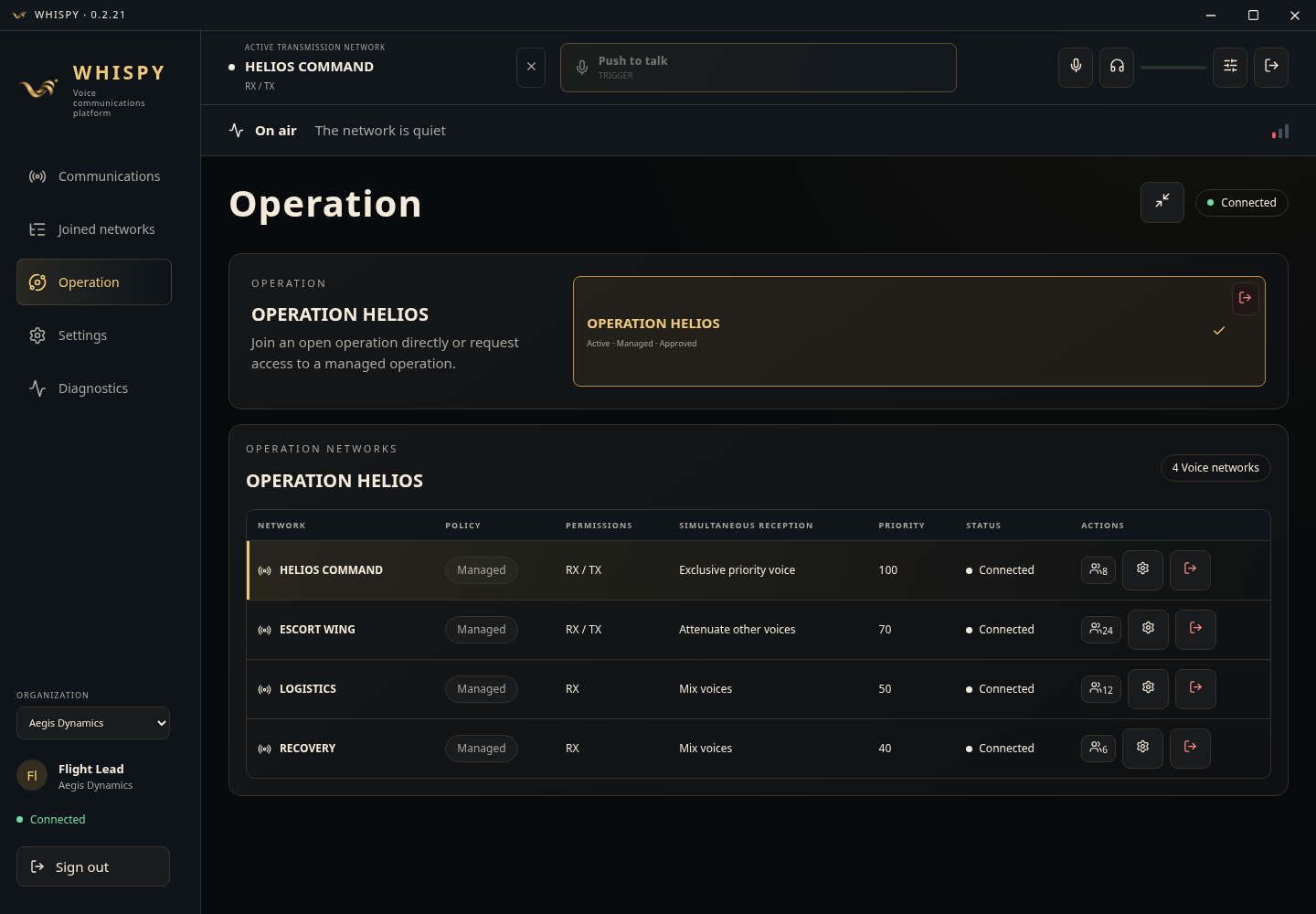
Command, Escort, Logistics and Recovery stay open side by side in the client.
Actual Whispy interface · demonstration dataRace control, teams, spotters and drivers each get the right channel.
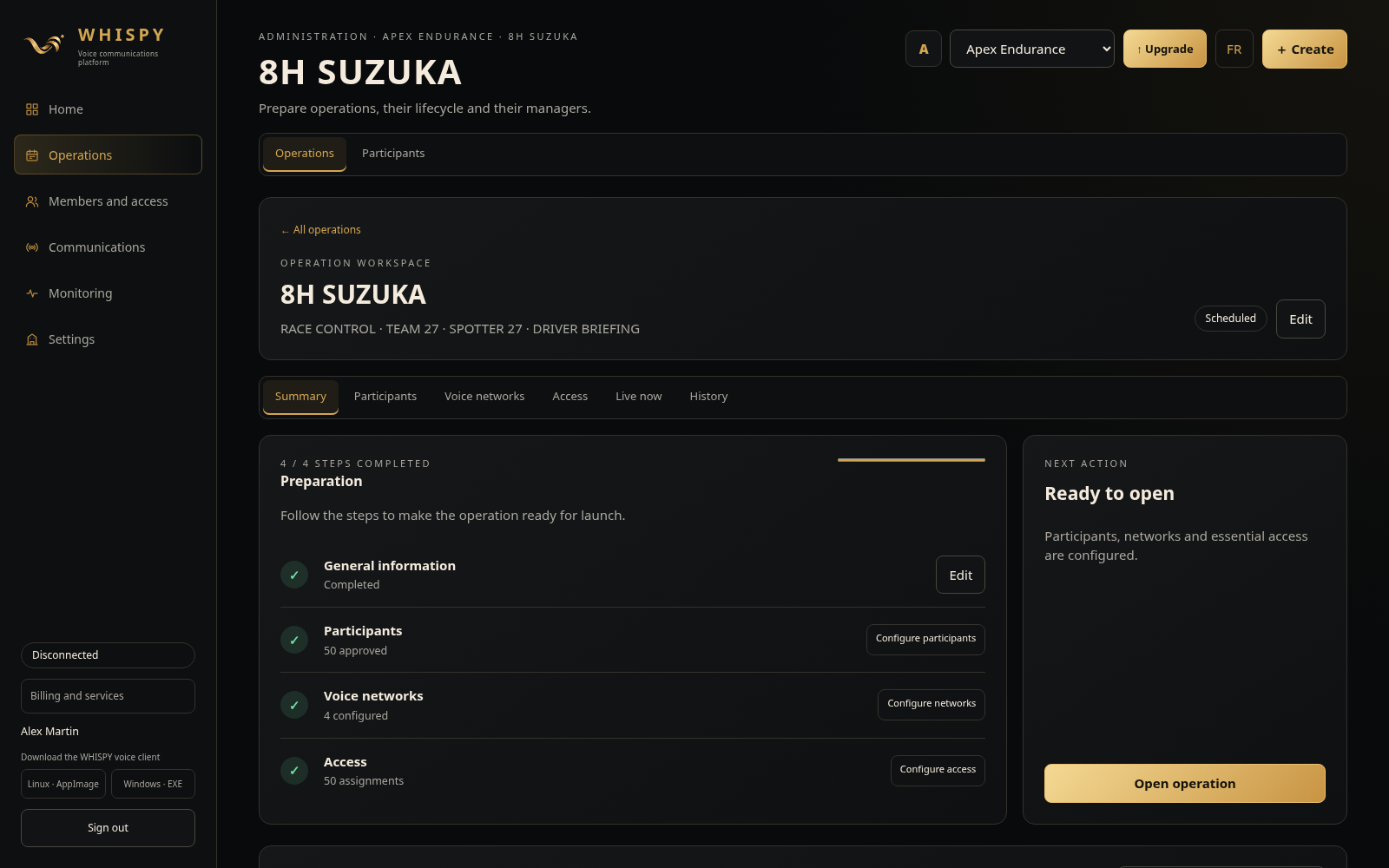
Set up the participants, race networks and access.
Actual Whispy interface · demonstration data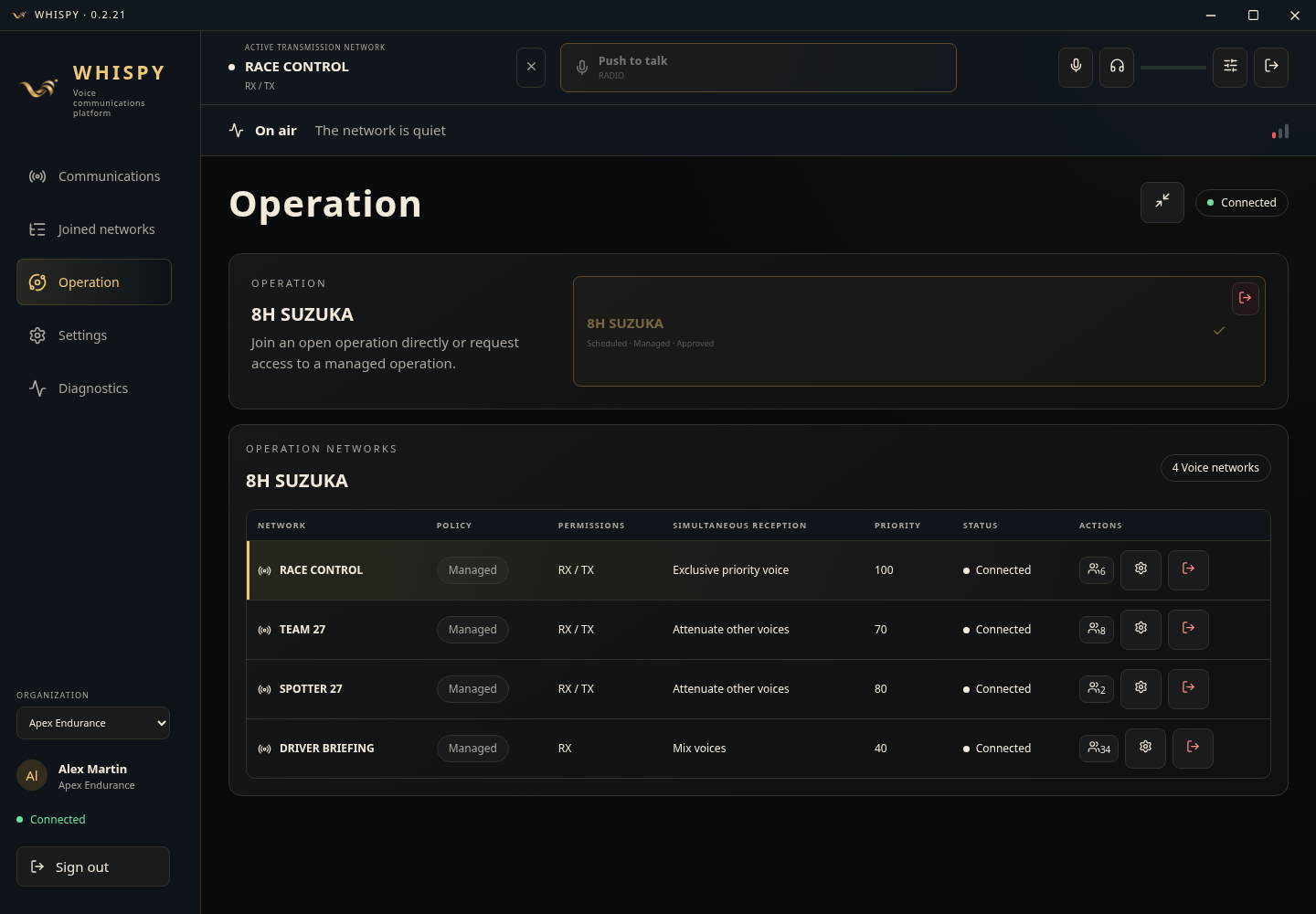
Race Control, Team 27, Spotter 27 and Driver Briefing remain connected at once.
Actual Whispy interface · demonstration dataTwo communities. One need.
Whispy separates the right conversations while keeping teams easy to reach.
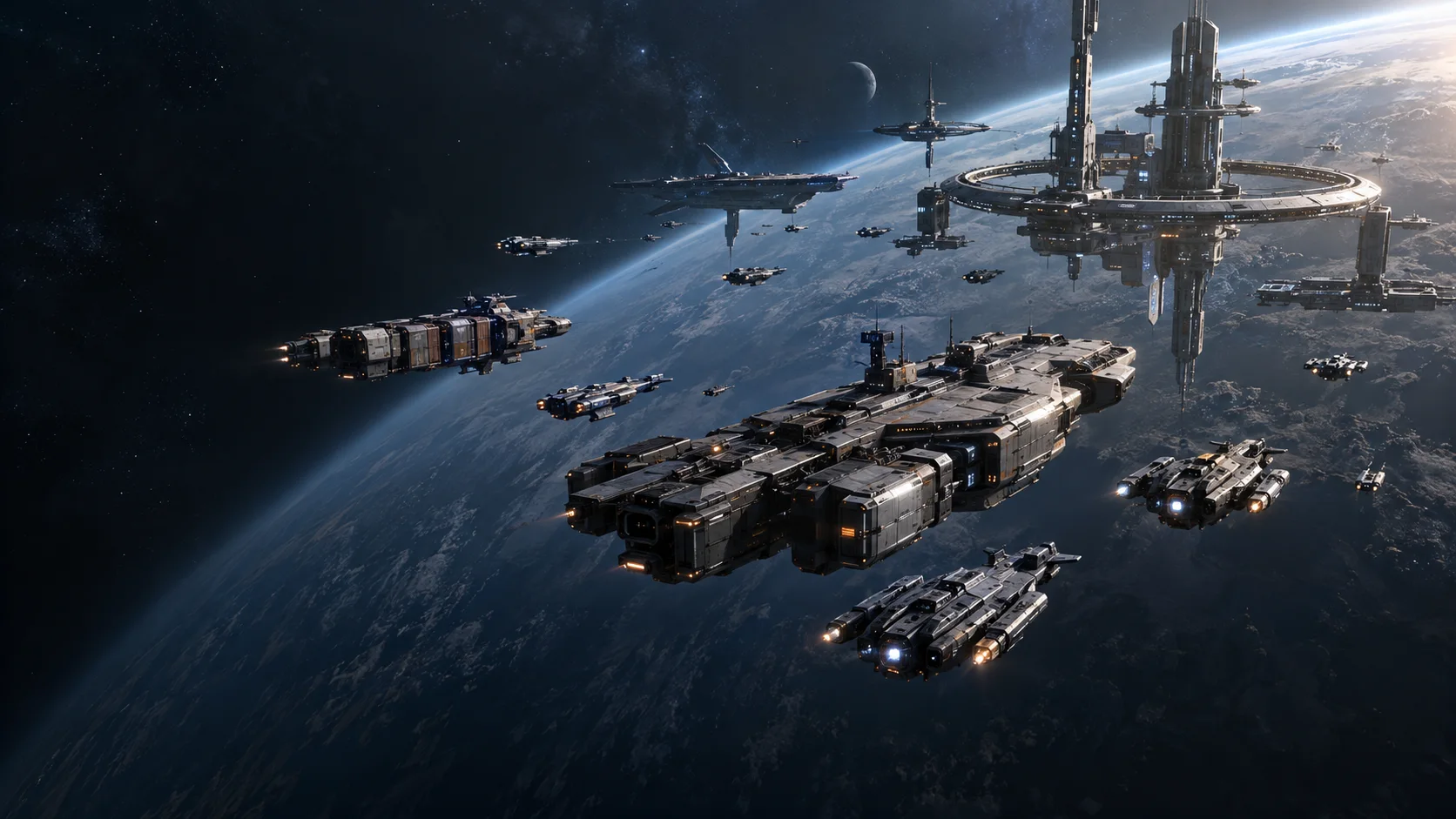 01 / SPACE OPERATIONS
Space sim communitiesKeep command, squads, logistics and partners on distinct but connected networks.Explore fleet operations →
01 / SPACE OPERATIONS
Space sim communitiesKeep command, squads, logistics and partners on distinct but connected networks.Explore fleet operations →
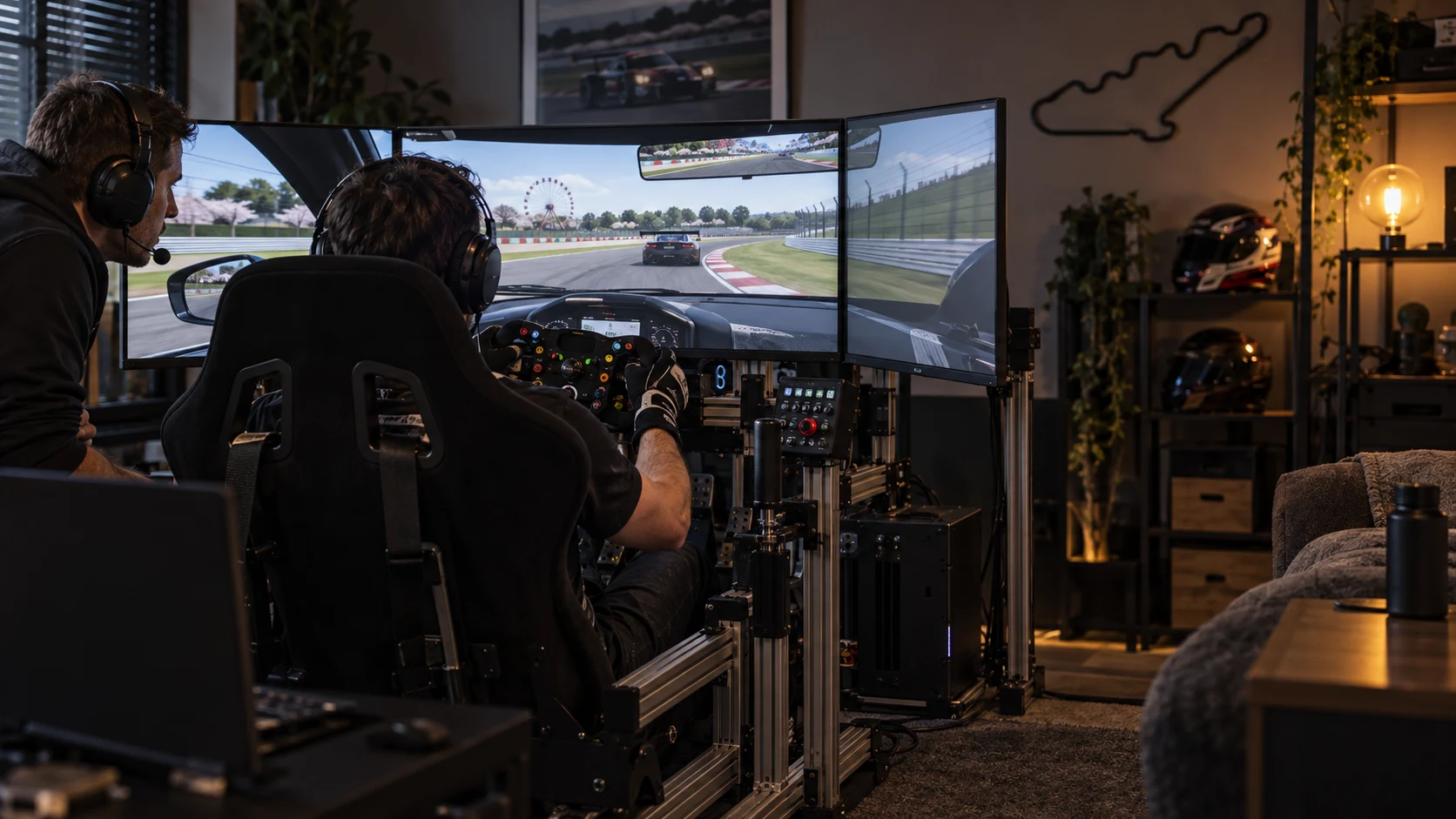 02 / RACE OPERATIONS
Sim Racing communitiesConnect race control, officials, pit walls and production without mixing every conversation.Explore race operations →
02 / RACE OPERATIONS
Sim Racing communitiesConnect race control, officials, pit walls and production without mixing every conversation.Explore race operations →
For the people carrying the event
Set teams, roles, rights and partnerships.
Start from a preset and adapt it to the event.
Keep the big picture without mixing every conversation.
Run radio, broadcast and live handovers.
From setup to live voice
Create networks, groups and permissions.
Link people to their operational roles.
Move between live networks without disconnecting.
Save and share a setup that works.
START YOUR NEXT OPERATION
Choose a plan and set up your first networks.